iOS 18 Privacy Settings: Boost Your Mobile Security Today
Protecting your digital life is crucial, and with iOS 18, Apple offers robust tools to enhance your mobile security. Discover four essential privacy settings you should activate today to safeguard your personal data and maintain peace of mind on your iPhone.
By: Michael Sete on agosto 14, 2026
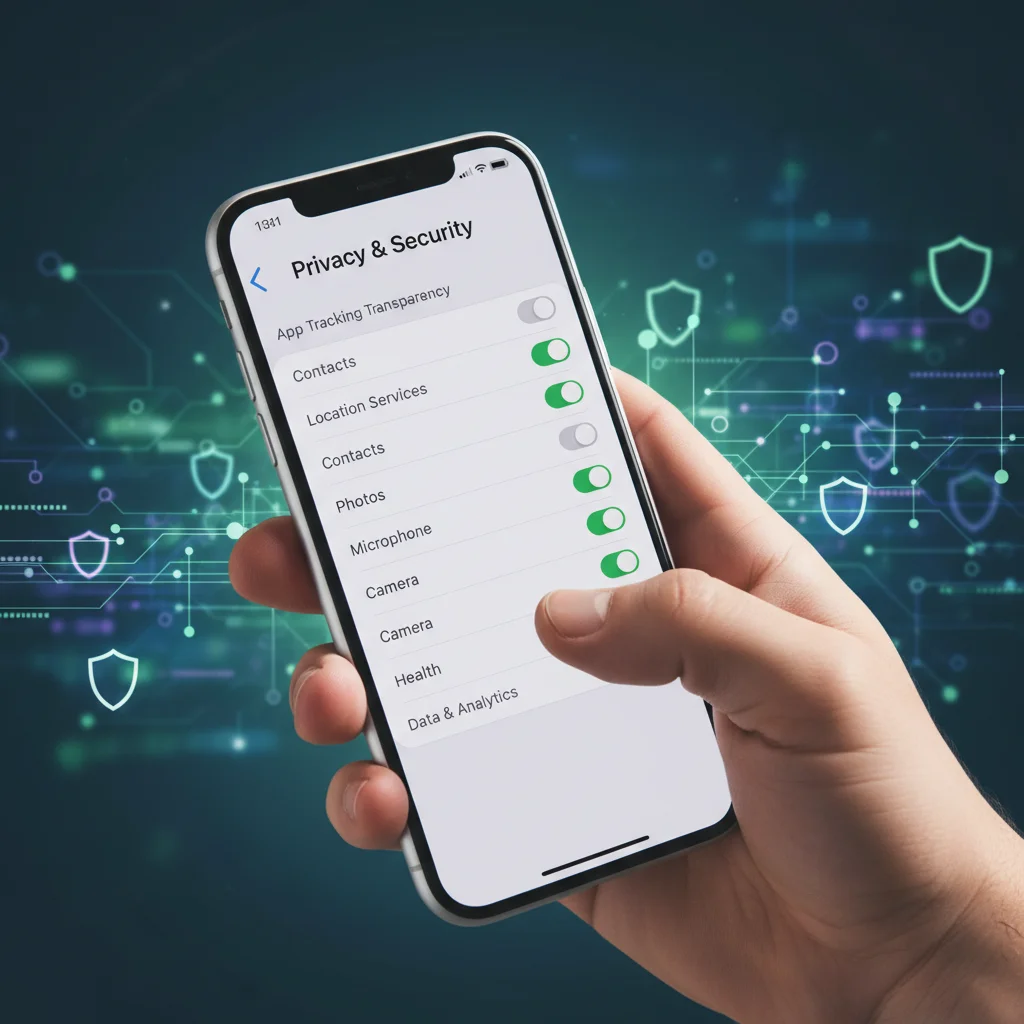
In an increasingly connected world, keeping your personal information safe on your mobile devices is more important than ever. Apple’s latest operating system, iOS 18, brings a host of new features, including significant enhancements to privacy and security. Understanding and activating these iOS 18 privacy settings can make a real difference in protecting your digital life. We’ll walk you through four essential privacy settings you need to activate on your iOS 18 device today to boost your mobile security.
Lock and Hide Apps with Face ID/Touch ID
One of the most anticipated and practical new features in iOS 18 is the ability to lock individual apps using Face ID or Touch ID. This adds an extra layer of security, ensuring that even if someone gains access to your unlocked phone, they can’t open sensitive applications like banking apps, messaging services, or photo galleries without your biometric authentication. This feature is a game-changer for anyone concerned about unauthorized access to their private data.
Beyond locking, iOS 18 also allows you to hide apps entirely. When an app is hidden, it moves to a dedicated ‘Hidden Apps’ folder, which is also protected by Face ID or Touch ID. This makes it invisible from your Home Screen, App Library, and even search results. It’s perfect for apps you want to keep completely private or for parents who want to restrict access to certain applications from their children’s curious hands. Activating these features provides unparalleled control over who sees what on your device.
Enhanced App Privacy Report Features
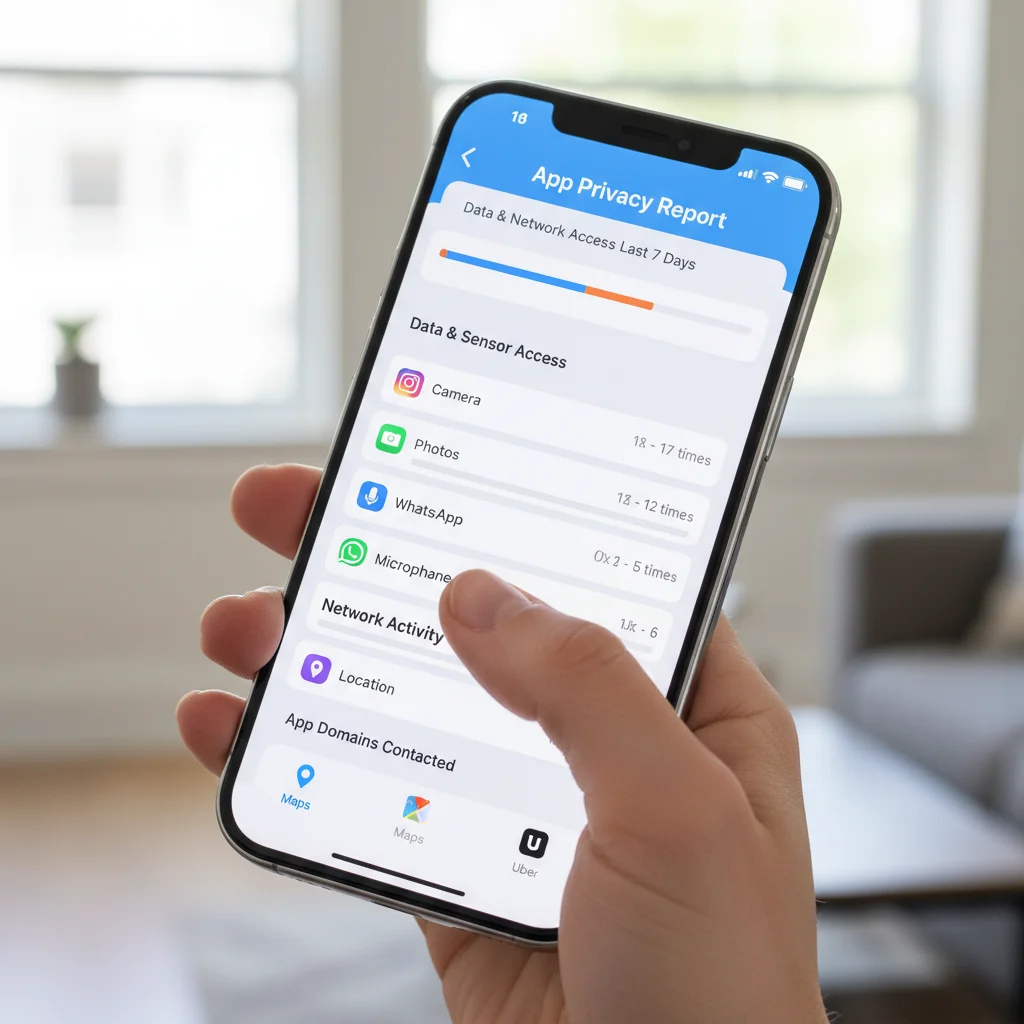
The App Privacy Report, introduced in previous iOS versions, gets an upgrade in iOS 18, offering even more detailed insights into how your apps are using your permissions and accessing your data. This report is a powerful tool for transparency, allowing you to see which apps have accessed your location, photos, camera, microphone, and contacts, and when they did so. Understanding this data is crucial for making informed decisions about your app permissions.
With the iOS 18 privacy settings, you can now delve deeper into network activity and see which domains your apps are contacting. This can reveal surprising information about background data collection or connections to third-party trackers. Regularly reviewing your App Privacy Report empowers you to revoke unnecessary permissions or even delete apps that exhibit suspicious behavior. Taking an active role in monitoring app access is a fundamental step towards better mobile security and data protection.
Revolutionary Passkeys for Passwordless Login
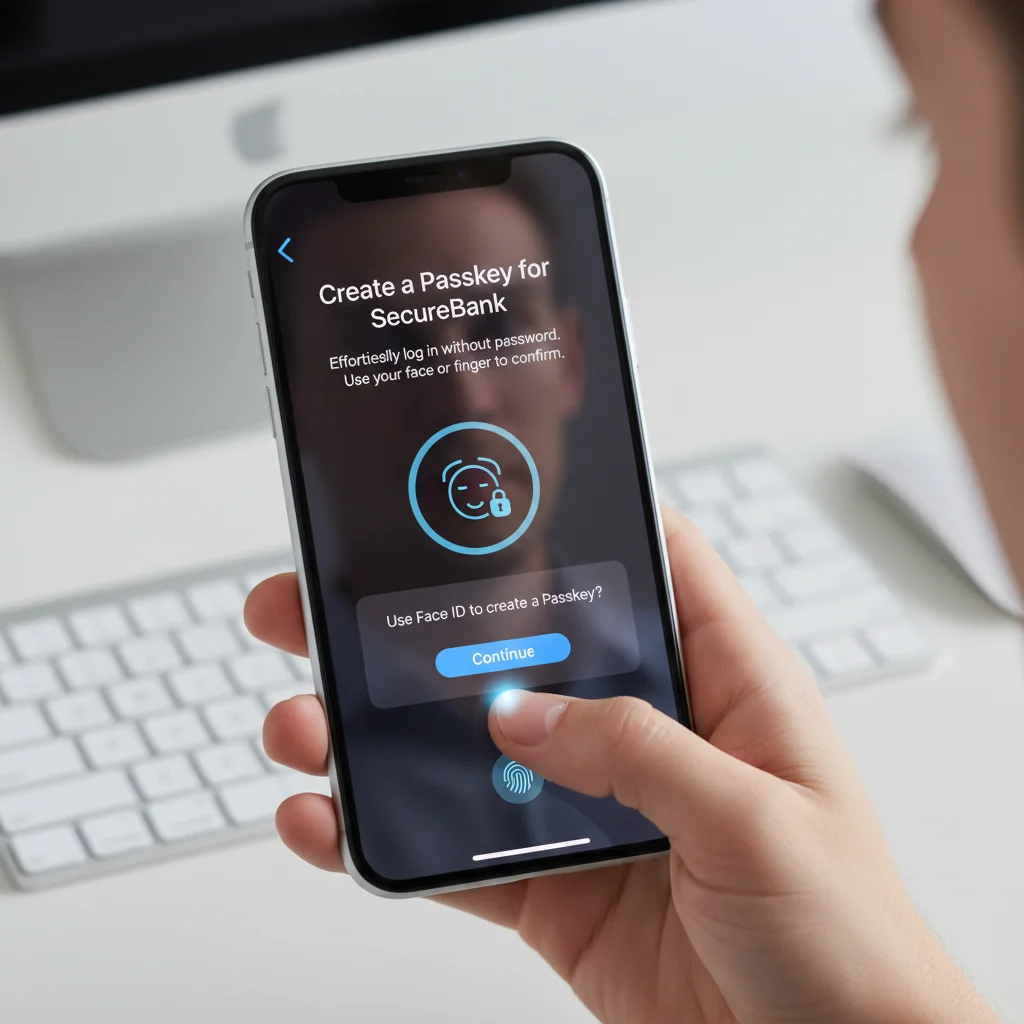
Passwords have long been a weak link in digital security, often being too simple, reused across multiple sites, or vulnerable to phishing attacks. iOS 18 significantly advances the adoption of Passkeys, a revolutionary technology designed to replace traditional passwords entirely. Passkeys offer a more secure and convenient way to log into websites and apps, using biometric authentication (Face ID or Touch ID) instead of a memorable string of characters. This means no more forgotten passwords or the risk of your credentials being stolen in a data breach.
Why Passkeys Are Superior
Phishing Resistant: Passkeys are tied to your device and the specific website/app, making them immune to phishing attacks.
Stronger Security: They use cryptographic keys, which are far more secure than even complex passwords.
Cross-Device Sync: Passkeys sync securely across all your Apple devices via iCloud Keychain, making them readily available wherever you need them.
User-Friendly: Logging in is as simple as using Face ID or Touch ID, eliminating the need to type or remember complex passwords.
Activating Passkeys wherever available is one of the most impactful iOS 18 privacy settings you can enable to bolster your online security.
Enhanced Location Data Control
Your location data is incredibly sensitive, revealing where you live, work, and travel. iOS 18 provides even more granular control over how and when apps can access this information. While some apps genuinely need your location to function (like maps or ride-sharing services), many others do not, yet still request access. Apple’s latest updates make it easier than ever to manage these permissions, minimizing the risk of unwanted tracking.
Now, when an app requests your location, you have clearer options to grant access only once, while using the app, or never. Furthermore, iOS 18 introduces improved alerts when apps are using your location in the background, prompting you to review and adjust permissions if necessary. You can also opt for ‘Precise Location’ or ‘Approximate Location’ for specific apps, giving you the choice to share only a general area instead of your exact coordinates. Taking the time to review and fine-tune these settings is essential for maintaining your privacy.
Private Access to Accessories
With the increasing number of smart home devices and accessories connecting to our iPhones, managing their access to your data is a growing privacy concern. iOS 18 introduces new controls that give you more oversight into which accessories can connect to your device and what data they can access. This feature is particularly relevant for users with a wide range of Bluetooth or Wi-Fi connected gadgets, from smart speakers to health monitors.
Previously, some accessories might have had broader access than necessary. Now, you can review and approve each connection request and specify exactly what kind of data an accessory can interact with. For instance, you might allow a fitness tracker to access your health data but restrict its access to your contacts or calendar. This granular control ensures that your iPhone acts as a secure hub, preventing unauthorized data sharing between your device and its connected peripherals. Regularly checking these permissions is a crucial part of maintaining robust iOS 18 privacy settings.
Frequently Asked Questions
How do I update to iOS 18?
You can update your iPhone to iOS 18 by going to Settings > General > Software Update. Ensure your device is connected to Wi-Fi and has sufficient battery life or is plugged into power before starting the update process.
Will activating these privacy settings slow down my iPhone?
Generally, activating privacy settings like app locking or enhanced location controls will have a negligible impact on your iPhone’s performance. These features are designed to run efficiently in the background without noticeably affecting speed or battery life.
Can I reverse these privacy settings if I change my mind?
Yes, all the privacy settings mentioned, including app locking, location controls, and app privacy report configurations, can be easily adjusted or reversed at any time through your iPhone’s Settings app. You have full control over your privacy preferences.
What is the most important privacy setting to enable in iOS 18?
While all listed settings are crucial, enabling Passkeys wherever possible is arguably the most impactful. It significantly enhances your login security by eliminating traditional passwords, which are a common vulnerability for online accounts.
Does iOS 18 protect me from all online threats?
While iOS 18 offers robust privacy and security features, no system can guarantee 100% protection from all threats. It’s essential to combine these settings with safe online practices, such as being cautious about suspicious links and downloading apps only from trusted sources.
Taking control of your digital privacy is a continuous effort, and with iOS 18, Apple provides powerful tools to help you do just that. By activating these four essential iOS 18 privacy settings—locking and hiding apps, leveraging the enhanced App Privacy Report, adopting Passkeys for passwordless logins, and fine-tuning location data control—you can significantly strengthen your mobile security. These features are designed to give you greater transparency and control over your personal information, safeguarding it from unauthorized access and potential misuse. Don’t wait to explore these important updates. Make it a priority to adjust these settings on your iPhone today, empowering yourself with a more secure and private digital experience. Your peace of mind is worth the few minutes it takes to activate these crucial protections.