Secure Smart Appliances: 5 Steps for Kitchen Cybersecurity
Protecting your smart kitchen appliances from cyber threats is crucial in today's connected world. This guide offers five actionable steps to secure smart appliances, helping you safeguard your home network and personal data against potential vulnerabilities. Learn how to enhance your digital safety starting this quarter.
By: pedropadm2025@gmail.com on agosto 14, 2026
Secure Smart Appliances: 5 Steps for Kitchen Cybersecurity
As our homes become increasingly connected, the convenience of smart appliances also introduces new cybersecurity challenges. Learning how to secure smart appliances in your kitchen is no longer just a recommendation; it’s a necessity. From smart refrigerators that manage your grocery lists to intelligent ovens that preheat remotely, these devices offer incredible convenience but can also be potential entry points for cyber threats if not properly secured. Protecting these gadgets is crucial for maintaining your home’s overall digital safety and privacy.
This article will guide you through five actionable steps you can take this quarter to significantly enhance the cybersecurity of your smart kitchen gadgets. By implementing these measures, you can enjoy the benefits of smart technology with greater peace of mind, knowing your devices and personal data are better protected against vulnerabilities. Let’s dive into how you can fortify your smart kitchen.
1. Strengthen Your Wi-Fi Network Security
Your Wi-Fi network is the backbone of your smart home, connecting all your intelligent devices. Therefore, securing this network is the first and most critical step in protecting your smart appliances. A weak Wi-Fi password or an outdated security protocol can leave your entire home vulnerable to unauthorized access. Think of your Wi-Fi as the front door to your digital home; you wouldn’t leave your physical front door unlocked, so don’t leave your digital one exposed.
Regularly reviewing and updating your router’s settings can make a significant difference. Many routers come with default usernames and passwords that are widely known and easily exploited. Changing these immediately upon installation is essential. Additionally, enabling the strongest encryption available, typically WPA3 or WPA2, provides a robust defense against eavesdropping and unauthorized network access. These simple yet effective measures form the foundation for how to secure smart appliances effectively.
Change Default Credentials: Always update the default username and password for your router.
Use Strong Passwords: Create complex, unique passwords for your Wi-Fi network that combine letters, numbers, and symbols.
Enable WPA3/WPA2 Encryption: Ensure your router uses the latest and most secure encryption protocols.
2. Regularly Update Firmware and Software
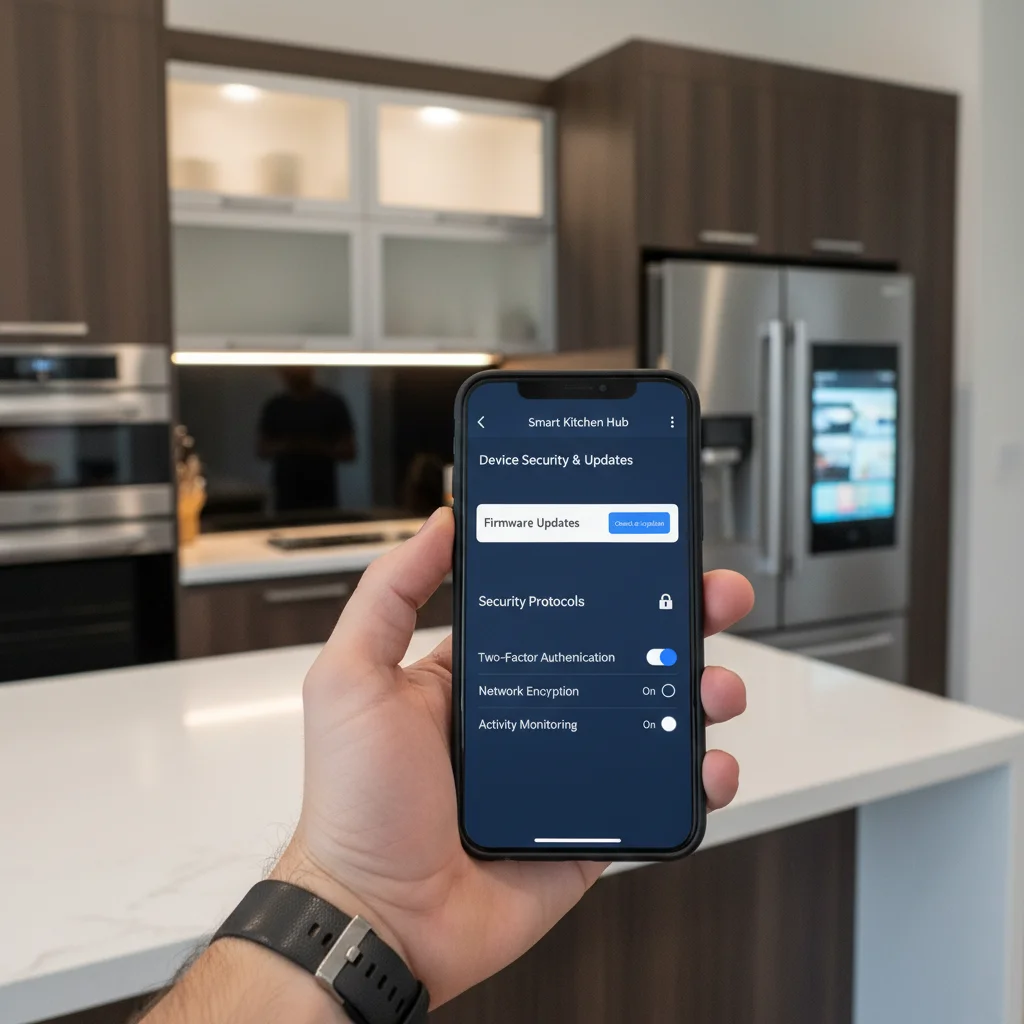
Just like your smartphone or computer, smart appliances rely on firmware and software to function. Manufacturers frequently release updates to these systems, not only to introduce new features but, more importantly, to patch security vulnerabilities. Neglecting these updates is akin to ignoring a security alert for your home; it leaves known weaknesses unaddressed, making your devices susceptible to exploits. Staying current with these updates is a fundamental practice for anyone looking to secure smart appliances.
Many smart devices offer automatic updates, which is a convenient feature to enable. However, it’s always a good idea to periodically check manually, especially for devices that might not have automatic update capabilities. Consult your appliance’s manual or the manufacturer’s website for specific instructions on how to check for and apply updates. This proactive approach ensures your devices have the latest protections against emerging threats, safeguarding your kitchen from potential breaches.
3. Create a Dedicated Network for IoT Devices
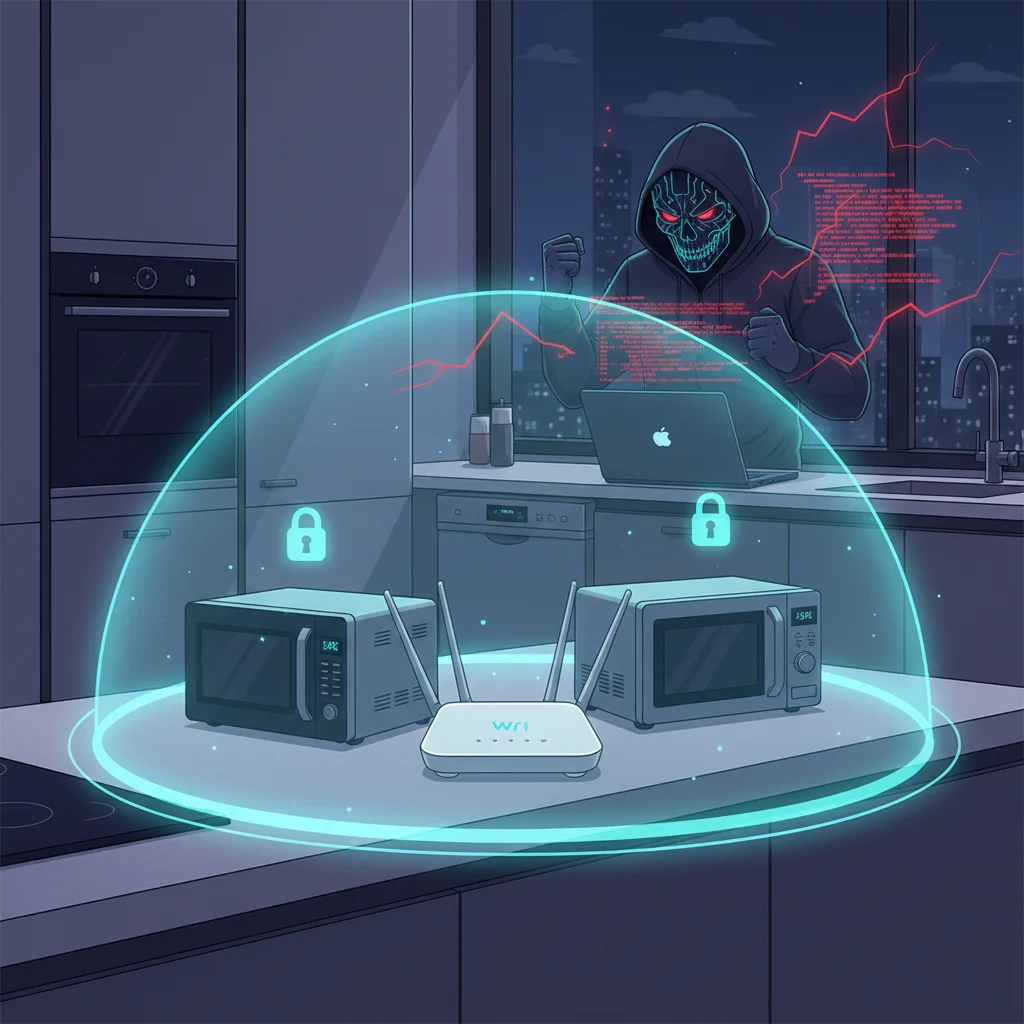
One advanced yet highly effective strategy to secure smart appliances is to segment your home network. This means setting up a separate Wi-Fi network, often called a Guest Network or an IoT (Internet of Things) network, specifically for your smart devices. This isolation acts as a protective barrier. If one of your smart kitchen gadgets were to be compromised, the attacker would be confined to that specific network segment, unable to access your main network where sensitive data like personal computers and financial information reside.
Many modern routers support the creation of multiple Wi-Fi networks. This feature is relatively straightforward to set up through your router’s administrative interface. By segregating your smart appliances onto their own network, you significantly reduce the attack surface for your more critical devices. This layer of defense is particularly valuable given that some smart devices may have less robust security features than traditional computers. It’s a smart way to manage the risks associated with increasing connectivity.
Benefits of Network Segmentation
Contain Breaches: Limits the spread of an attack to only the IoT network.
Protect Sensitive Data: Keeps your personal computers and financial information separate and more secure.
Improved Performance: Can sometimes prevent smart device traffic from slowing down your main network.
4. Use Strong, Unique Passwords for Every Device
It’s a common cybersecurity pitfall: using the same password across multiple accounts and devices. When it comes to smart appliances, this practice is particularly risky. If a cybercriminal manages to obtain the password for one of your smart devices, they could potentially gain access to all other devices that share that same password. This creates a domino effect, turning a minor breach into a widespread compromise of your entire smart home ecosystem. To truly secure smart appliances, unique and complex passwords are non-negotiable.
Each smart appliance, from your smart coffee maker to your connected oven, should have its own distinct password. These passwords should be strong, meaning they are long, random, and incorporate a mix of uppercase and lowercase letters, numbers, and special characters. Using a password manager can greatly simplify the process of creating, storing, and retrieving these unique credentials, making it easier to maintain robust security without having to memorize dozens of complicated passwords. This practice is foundational to strong device security.
5. Review and Manage Device Permissions and Privacy Settings
Many smart appliances require certain permissions to function, such as access to your location, contacts, or other network devices. While some permissions are necessary for the device’s core functionality, others might be excessive or unnecessary. It’s crucial to regularly review and manage these permissions, ensuring that your smart devices only have access to the data they absolutely need. Over-permissioning can inadvertently expose sensitive personal information to manufacturers or third-party applications.
Take the time to delve into the settings of each of your smart kitchen gadgets, either through their dedicated apps or web interfaces. Look for privacy settings, data sharing options, and permission management. Opt for the strictest privacy settings available and revoke any permissions that seem irrelevant to the device’s primary function. Understanding and controlling what data your smart appliances collect and share is a vital step in safeguarding your personal privacy and enhancing your overall cybersecurity posture. This proactive management helps you secure smart appliances more effectively.
Frequently Asked Questions
Q: How often should I change my smart appliance passwords? A: While there’s no fixed rule, changing them every 3-6 months is a good practice, especially if you suspect any unusual activity or if a data breach affecting other services you use has been reported.
Q: Can smart appliances be hacked even if my Wi-Fi is secure? A: Yes, unfortunately. While a secure Wi-Fi network is a strong first line of defense, vulnerabilities can exist within the device’s firmware or software itself, or through compromised cloud services used by the appliance.
Q: What is the risk of not securing my smart kitchen gadgets? A: Unsecured smart gadgets can be exploited to gain access to your home network, steal personal data, launch denial-of-service attacks, or even be used as part of a botnet to attack other systems on the internet.
Q: Should I disconnect smart appliances when not in use? A: For high-risk devices or if you’re particularly concerned, temporarily disconnecting them from the internet when not in use can reduce exposure. However, for most users, securing them properly with the steps outlined is sufficient.
Q: Are all smart appliances equally vulnerable? A: No, vulnerability levels can vary significantly. Newer devices from reputable manufacturers often have better security features. Devices with more complex functions and internet connectivity tend to have a larger attack surface than simpler ones.
The journey to a truly smart home is filled with convenience and innovation, but it also demands a proactive approach to cybersecurity. By taking these five actionable steps, you are not just protecting your kitchen gadgets; you are fortifying your entire home network and safeguarding your personal data. Strengthening your Wi-Fi, consistently updating firmware, segmenting your network, using unique passwords, and carefully managing permissions are all crucial components of a robust cybersecurity strategy for your smart appliances.
Don’t wait for a security incident to highlight the importance of these measures. Start implementing these practices this quarter to ensure your smart kitchen remains a source of convenience, not vulnerability. Embracing smart technology responsibly means prioritizing its security from the outset. With these steps, you can confidently enjoy the benefits of your connected kitchen, knowing you’ve taken significant strides to secure smart appliances against potential threats and maintain your digital peace of mind.