Mastering Smartphone Video Editing: From Basic to Pro
Dive into the world of smartphone video editing and transform your raw footage into polished, engaging content. This guide covers everything from essential tools to advanced techniques, helping you master your phone's capabilities quickly and efficiently.
By: Michael Sete on agosto 14, 2026
In today’s fast-paced digital world, creating compelling video content has become more accessible than ever, largely thanks to the power of your pocket-sized device. Mastering smartphone video editing is no longer a niche skill but a valuable asset for anyone looking to share stories, promote a business, or simply capture life’s moments with a professional touch. This comprehensive guide will take you from basic operations to more advanced techniques, helping you transform raw footage into polished masterpieces, often in under 60 minutes.
Whether you’re an aspiring vlogger, a small business owner, or just someone who loves making home movies, understanding the capabilities of your smartphone for video production is crucial. We’ll explore the essential tools, common pitfalls, and creative strategies that can elevate your videos from amateur to impressive. Get ready to unlock the full potential of your device and start producing content that truly stands out.
Getting Started: Choosing Your Smartphone Video Editing App
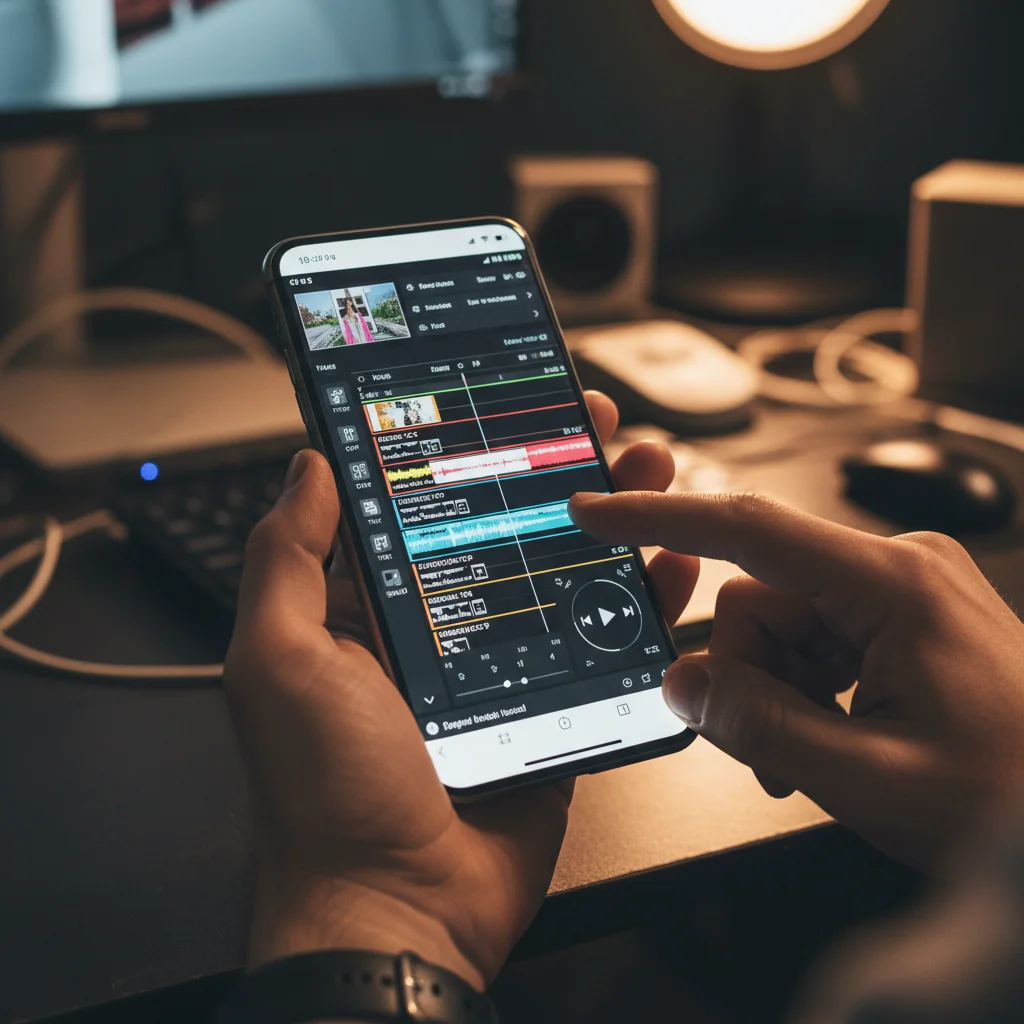
The first step to effective smartphone video editing is selecting the right application. The market is flooded with options, each offering a unique set of features and user experiences. Deciding which app suits your needs best depends on your device’s operating system, your budget, and the complexity of the projects you plan to undertake. Many free apps provide excellent starting points, while paid versions often unlock more advanced capabilities.
Consider apps that offer intuitive interfaces, making it easier for beginners to navigate without feeling overwhelmed. Look for features like multi-track editing, precise trimming tools, and a good selection of filters and effects. Compatibility with various video formats and export options is also key. Don’t be afraid to download a few free trials to get a feel for what works best for your personal workflow. Experimentation is a big part of finding your perfect editing companion.
Essential Editing Techniques for Beginners
Once you have your chosen app, it’s time to dive into the fundamental techniques that form the backbone of any good video. Even with basic footage, applying these core editing principles can dramatically improve the final product. Learning to trim, cut, and arrange clips smoothly is paramount before moving on to more intricate effects. A well-paced video keeps viewers engaged and conveys your message clearly.
Understanding how to use transitions effectively is another crucial skill. While flashy transitions can be tempting, often simple cuts or subtle fades are more professional. Additionally, paying attention to audio is vital; clear sound can make or break a video. Most apps allow you to adjust volume, add background music, and even record voiceovers. Practice these basics consistently to build a strong foundation.
Mastering Cuts and Trims
Precise Trimming: Learn to use your app’s trimming tools to remove unwanted footage from the beginning and end of clips. This cleans up your video.
Strategic Cuts: Understand where to make cuts to maintain flow and pacing. Avoid jump cuts unless used for stylistic effect.
Splitting Clips: Use the split feature to divide longer clips into shorter, manageable segments, making it easier to rearrange scenes.
Deleting Unused Footage: Regularly delete clips that won’t be used to keep your project tidy and your device storage clear.
Enhancing Your Video: Color Grading and Effects
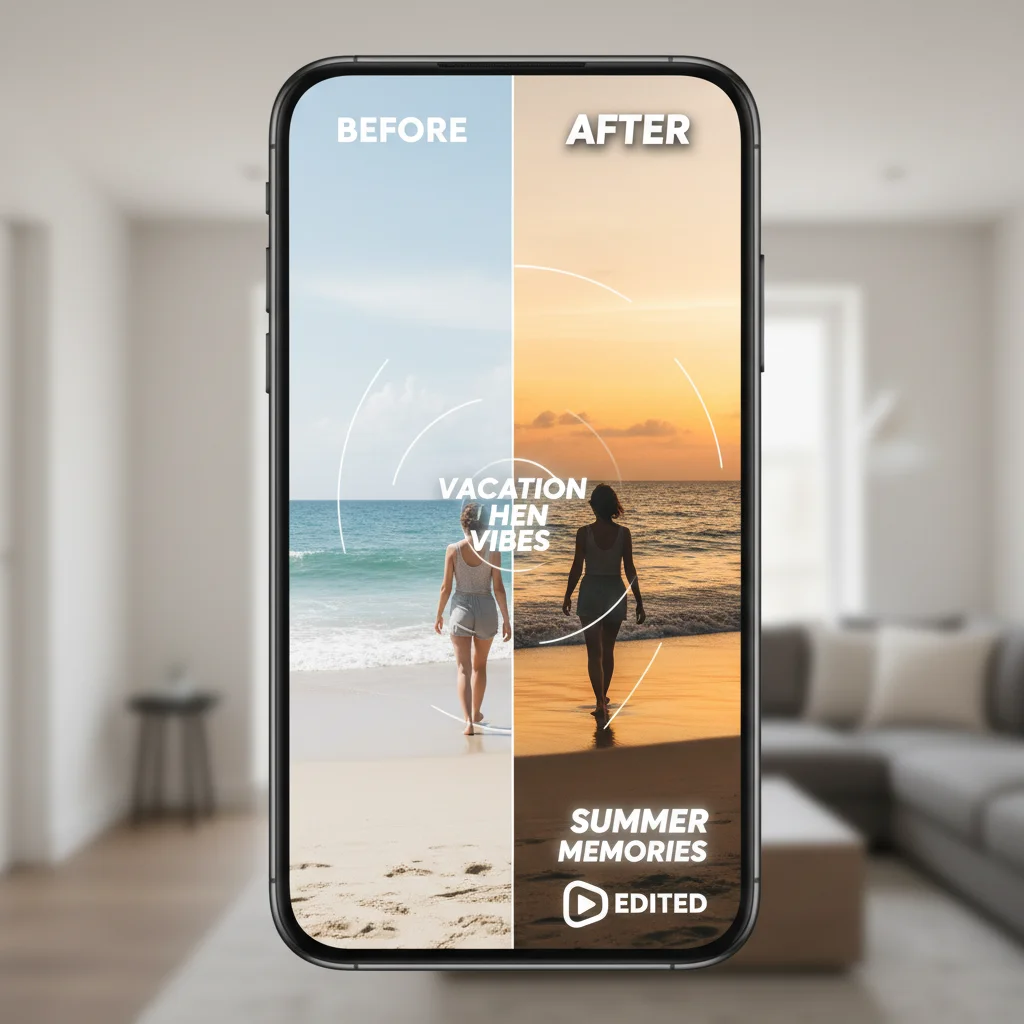
Beyond basic cuts, color grading and visual effects are powerful tools to give your videos a professional and consistent look. Many smartphone video editing apps come equipped with a range of filters and adjustment sliders that can dramatically alter the mood and aesthetic of your footage. Think of color grading as painting with light and shadow, enhancing the visual storytelling.
Experiment with brightness, contrast, saturation, and temperature settings to achieve the desired effect. Some apps offer cinematic filters that can instantly transform your video’s appearance. However, use effects sparingly and thoughtfully. Overdoing it can make your video look amateurish. The goal is to enhance, not distract, from your main subject. A consistent color scheme across all your clips will also contribute to a more polished final product.
Adding Polish: Text, Music, and Voiceovers
To truly elevate your smartphone videos, incorporating elements like text, background music, and voiceovers is essential. These additions can clarify your message, set the mood, and provide context that raw footage alone cannot. Most modern video editing apps offer robust tools for managing these layers, allowing for precise placement and timing.
When adding text, choose readable fonts and colors that stand out against your video background. Use text to introduce subjects, highlight key information, or provide captions. For music, select tracks that complement the tone of your video without overpowering dialogue or natural sounds. Many apps provide royalty-free music libraries. Voiceovers are excellent for explanations, narratives, or adding a personal touch, ensuring your message is heard loud and clear.
Advanced Techniques for Pro-Level Smartphone Editing
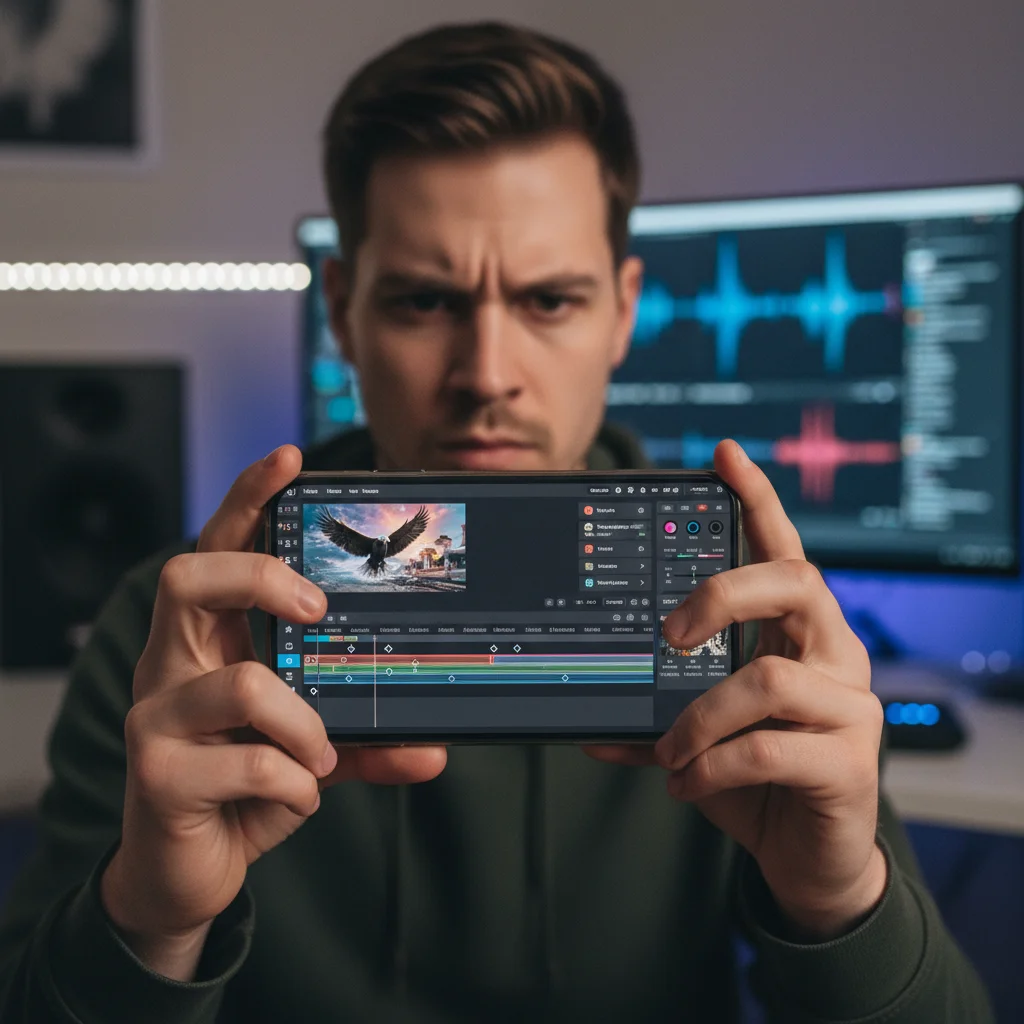
Once comfortable with the basics, you can explore more advanced smartphone video editing techniques to push your creative boundaries. Features like keyframe animation, multi-layer editing, and chroma key (green screen) effects are increasingly available in mobile apps. These tools, once exclusive to desktop software, now empower smartphone users to create surprisingly sophisticated videos.
Keyframe animation allows you to control the movement, size, and opacity of text, images, or even video clips over time, creating dynamic visual effects. Multi-layer editing enables you to stack multiple video tracks, ideal for picture-in-picture effects or complex composites. Chroma key lets you replace a solid color background with another image or video, opening up endless creative possibilities. Don’t be intimidated; these features are often designed with user-friendliness in mind, making them accessible with a little practice.
Frequently Asked Questions
What is the best free video editing app for smartphones?
Many excellent free options exist, such as CapCut, InShot, and DaVinci Resolve (mobile version). The ‘best’ often depends on your specific needs and operating system. CapCut is popular for its user-friendly interface and TikTok integration, while InShot offers a good balance of features for general editing. DaVinci Resolve provides more professional tools.
Can I edit 4K video on my smartphone?
Yes, many modern smartphones and editing apps support 4K video editing. However, editing 4K footage requires significant processing power and storage space. It’s recommended to have a newer phone with ample RAM and internal storage, or use an external drive, for a smoother editing experience.
How do I add royalty-free music to my videos?
Most video editing apps offer built-in libraries of royalty-free music. Alternatively, you can download tracks from platforms like YouTube Audio Library, Epidemic Sound, or Pixabay, ensuring you check the licensing requirements for each track before use in your projects.
What’s the difference between trimming and cutting?
Trimming usually refers to adjusting the start or end points of a clip to shorten its duration without dividing it. Cutting, or splitting, involves dividing a clip into two or more separate segments at a specific point, allowing you to remove a middle section or rearrange parts of the clip.
How can I make my smartphone videos look more professional?
Beyond editing, focus on good lighting, stable shots (using a tripod or gimbal), clear audio (consider an external microphone), and a compelling story. In editing, use consistent color grading, subtle transitions, and high-quality background music. Practice makes perfect!
Embarking on the journey of smartphone video editing opens up a world of creative possibilities, allowing you to transform everyday moments into captivating visual stories. From selecting the perfect app to mastering advanced techniques like keyframe animation and color grading, the power to produce high-quality video content is literally at your fingertips. We’ve covered the essential steps, from basic cuts and trims to adding polish with text and music, all designed to get you proficient in under an hour.
Remember, the key to becoming a skilled video editor isn’t just about knowing the tools, but about practicing consistently and developing your creative eye. Don’t be afraid to experiment with different features, explore various styles, and most importantly, have fun with the process. The accessibility of smartphone editing means you can refine your skills anywhere, anytime. So, pick up your phone, download an app, and start creating compelling videos that truly resonate with your audience. Your next viral hit or cherished memory could be just a few taps away.