Implement Zero-Trust Architecture for Personal Devices: A 7-Step Guide
This guide provides a comprehensive 7-step approach to implementing a zero-trust architecture for your personal devices. By adopting this security model, you can significantly enhance your digital protection against evolving cyber threats, ensuring that every access request is thoroughly verified.
By: pedropadm2025@gmail.com on agosto 14, 2026
In an increasingly interconnected digital world, the need to secure our personal devices has never been more critical. Traditional security models, which assume everything inside a network is trustworthy, are no longer sufficient. This is where a zero-trust architecture for personal devices becomes indispensable. It’s a security framework that operates on the principle of ‘never trust, always verify,’ meaning no user or device is inherently trusted, regardless of whether they are inside or outside the network perimeter.
Implementing a zero-trust architecture for personal devices might sound complex, but it boils down to a series of practical steps designed to minimize risk and enhance your digital resilience. This guide will walk you through a clear, 7-step process to help you establish a robust zero-trust environment for all your personal tech, from smartphones to smart home gadgets. By adopting this proactive approach, you can significantly bolster your defenses against evolving cyber threats and safeguard your privacy.
Understand the Core Principles of Zero Trust
Before diving into specific actions, it’s essential to grasp the foundational concepts of zero trust. This model challenges the old way of thinking, where once you were inside a network, you were generally trusted. Instead, zero trust treats every access attempt, whether from a user, device, or application, as potentially malicious until proven otherwise. This means continuous verification is key, not just at the point of entry but throughout the entire session. It’s about creating a dynamic security posture that adapts to threats in real-time, rather than relying on static perimeters.
The core idea is to segment your digital life, ensuring that even if one part is compromised, the damage is contained. This principle extends to all your personal devices, requiring individual verification for each connection and resource access. Embracing this mindset is the first and most crucial step toward effectively implementing a zero-trust architecture for personal devices. It sets the stage for all subsequent security measures you’ll put in place.
Inventory and Classify All Your Personal Devices
The journey to securing your personal digital ecosystem begins with a thorough understanding of what you need to protect. This involves creating a comprehensive inventory of every device you own that connects to the internet or stores sensitive data. Think beyond just your computer and smartphone; include smart TVs, gaming consoles, smart home assistants, wearables, and even any Wi-Fi-enabled appliances. Each of these represents a potential entry point for attackers if not properly secured.
Once you have a complete list, the next step is to classify them based on their criticality and the type of data they access or store. For example, a device used for online banking might be classified as ‘high criticality,’ while a smart light bulb might be ‘low criticality.’ This classification helps prioritize your security efforts, allowing you to allocate more robust controls to your most vulnerable or valuable assets. Understanding your digital footprint is fundamental to building an effective zero-trust framework.
Implement Strong Identity and Access Management (IAM)
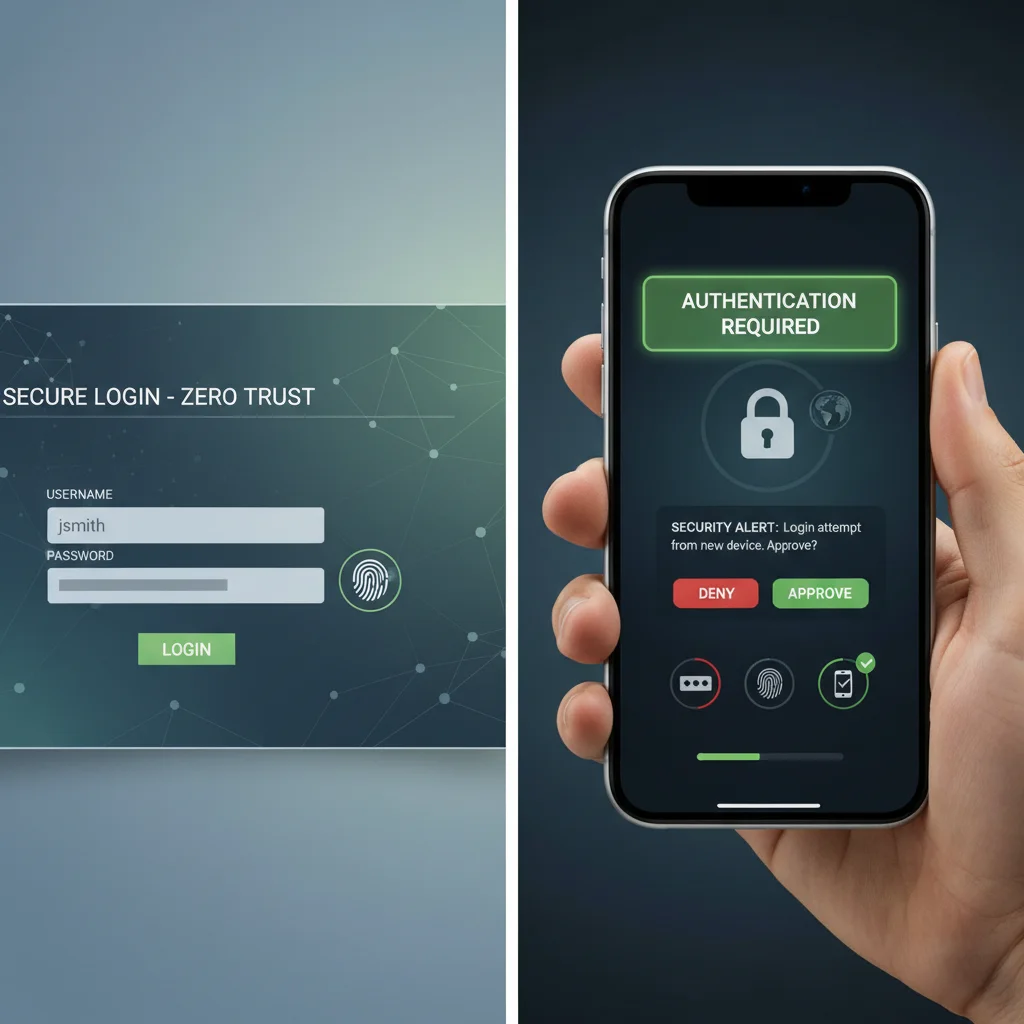
Identity is the new perimeter in a zero-trust model, making robust Identity and Access Management (IAM) absolutely critical for your personal devices. This means ensuring that every user (which is primarily you, but also family members who share devices) is verified before gaining access to any resource. The cornerstone of strong IAM is multi-factor authentication (MFA). MFA adds an extra layer of security beyond just a password, typically requiring something you know (password), something you have (phone, security key), or something you are (fingerprint, face scan).
Beyond MFA, consider implementing unique, strong passwords for every account. Password managers are invaluable tools for this, helping you generate and store complex passwords without having to remember them all. Regularly review and update your access permissions, ensuring that only necessary access is granted. This ‘least privilege’ principle ensures that even if one account is compromised, the attacker’s reach is severely limited. Strong IAM is a non-negotiable element of any effective zero-trust strategy.
Segment Your Network and Micro-segment Critical Resources
Network segmentation is a cornerstone of zero trust, even in a personal setting. Instead of a single, flat home network, consider breaking it down into smaller, isolated segments. This limits the lateral movement of potential threats. For instance, you might create a separate Wi-Fi network for your smart home devices (IoT network) distinct from the network you use for your computer and smartphone. This way, if a smart bulb is compromised, it can’t easily access your laptop where sensitive financial information might be stored.
Micro-segmentation takes this a step further, applying granular access controls to individual resources or groups of devices. While full micro-segmentation might be complex for a typical home user, you can achieve a similar effect by using strong firewall rules on your router and individual devices. Ensure that only necessary ports are open and that devices can only communicate with what they absolutely need to. This significantly reduces the attack surface and reinforces the ‘never trust, always verify’ principle across your home network, making it harder for unauthorized access to spread.
Implement Endpoint Security and Device Posture Checks
In a zero-trust model, every device, or ‘endpoint,’ attempting to access resources must be continuously verified for its security posture. For your personal devices, this means ensuring they meet certain security standards before being granted access. Start by installing and maintaining robust antivirus and anti-malware software on all your computers and smartphones. These tools are your first line of defense against malicious software that could compromise your device’s integrity.
Key Device Posture Checks:
Regular Updates: Keep operating systems, applications, and firmware updated. Patches often fix security vulnerabilities that attackers exploit.
Firewall Configuration: Ensure your device’s built-in firewall is active and properly configured to block unwanted connections.
Disk Encryption: Encrypt your device’s hard drive (e.g., BitLocker for Windows, FileVault for macOS) to protect data if the device is lost or stolen.
Secure Configurations: Disable unnecessary services, close unused ports, and change default passwords on all devices, especially IoT gadgets.
By regularly verifying these security aspects, you ensure that only ‘healthy’ and compliant devices are interacting with your valuable data and applications. This proactive approach significantly reduces the risk of a compromised device becoming a gateway for broader attacks within your personal network.
Continuously Monitor and Adapt Your Security Posture
A zero-trust architecture is not a one-time setup; it’s an ongoing process of monitoring and adaptation. The digital threat landscape is constantly evolving, and your security measures must evolve with it. Regularly review your security logs, if available, on your router and individual devices for any unusual activity. While this might sound daunting for personal use, many modern routers offer basic logging features that can highlight suspicious connection attempts or failed logins.
Stay informed about the latest cybersecurity threats and best practices. Follow reputable security blogs and news sources to understand new vulnerabilities and how to protect against them. Periodically reassess your device inventory and classifications, especially when adding new devices or changing how you use existing ones. This continuous cycle of monitoring, learning, and adapting ensures that your personal zero-trust framework remains effective and resilient against emerging threats. It’s about maintaining vigilance in a dynamic environment.
Establish Secure Communication Channels
Securing how your devices communicate, both internally and externally, is another vital pillar of a zero-trust model. This involves encrypting data in transit whenever possible. When browsing the internet, always prioritize websites that use HTTPS (indicated by a padlock icon in your browser’s address bar). For remote access to your home network or for connecting to public Wi-Fi, using a Virtual Private Network (VPN) is highly recommended. A VPN encrypts your internet traffic, creating a secure tunnel that protects your data from eavesdropping, even on unsecured networks.
Furthermore, ensure that file sharing and messaging apps you use employ end-to-end encryption. This means that only the sender and intended recipient can read the messages, and not even the service provider can access the content. For sensitive files stored in the cloud, consider using client-side encryption before uploading, adding an extra layer of protection. By securing your communication channels, you prevent unauthorized interception of your data, reinforcing the ‘never trust, always verify’ ethos across your digital interactions.
Frequently Asked Questions
What is the main difference between zero trust and traditional security? The main difference is that traditional security trusts everything inside the network perimeter, while zero trust assumes no implicit trust, requiring verification for every access request, regardless of location.
Is zero trust only for large organizations? No, while often associated with enterprises, the principles of zero trust are highly beneficial and applicable to personal device security, offering enhanced protection against modern cyber threats.
How often should I review my zero-trust setup? It’s recommended to review your setup periodically, at least every few months, and especially when you add new devices, change network configurations, or become aware of new security threats.
Do I need special software for zero trust on personal devices? While some enterprise-grade zero-trust solutions exist, for personal use, you can implement many principles using existing tools like MFA, strong passwords, firewalls, VPNs, and regular software updates.
Can zero trust guarantee 100% security? No security measure can guarantee 100% immunity from all threats. However, implementing a zero-trust architecture significantly reduces your attack surface and improves your resilience against sophisticated cyberattacks.
Implementing a zero-trust architecture for your personal devices is no longer an optional luxury but a fundamental necessity in today’s digital landscape. By adopting the ‘never trust, always verify’ mantra, you’re building a resilient defense mechanism that scrutinizes every access request and interaction. This comprehensive 7-step guide has provided a clear roadmap, from understanding core principles and inventorying your devices to implementing robust identity management, segmenting your network, and continuously monitoring your security posture. Each step reinforces the idea that security is an ongoing journey, not a one-time destination.
While it requires a shift in mindset and consistent effort, the peace of mind that comes with knowing your personal data and devices are better protected is invaluable. As cyber threats continue to evolve in sophistication, embracing zero trust empowers you to take control of your digital security. Start today by applying these steps, and you’ll be well on your way to creating a more secure and private digital environment for yourself and your loved ones. Your digital safety is paramount, and a zero-trust approach is your most reliable ally.