Discover 6 essential smartphone privacy settings you need to check right now to safeguard your personal data. This guide helps you understand and adjust key configurations for enhanced mobile security and peace of mind.
By: Michael Sete on agosto 14, 2026
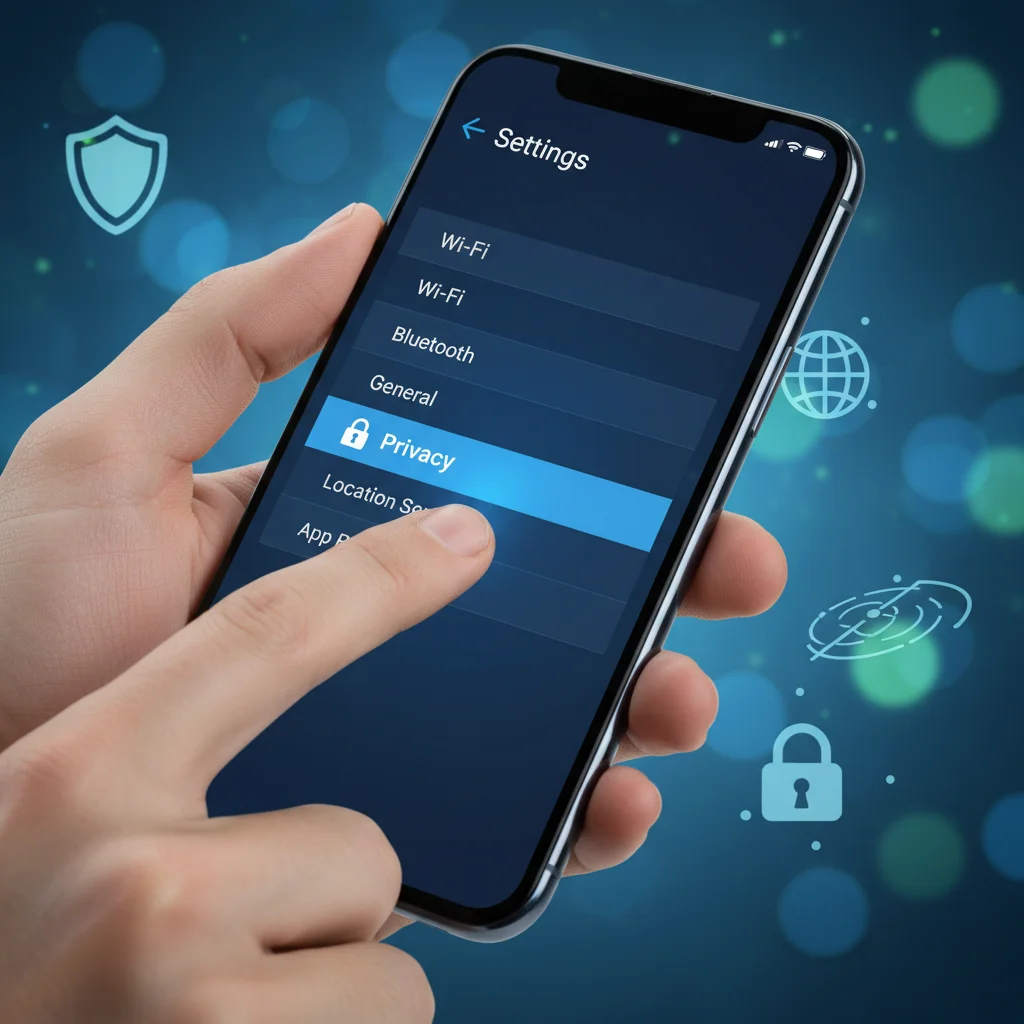
In our increasingly connected world, protecting your digital life is more important than ever. Your smartphone, while incredibly convenient, also holds a vast amount of personal information. Understanding and adjusting your smartphone privacy settings is a critical step in safeguarding that data. This guide will walk you through six essential settings you need to check right now to enhance your mobile security and maintain peace of mind.
Reviewing App Permissions: What Your Apps Can Access
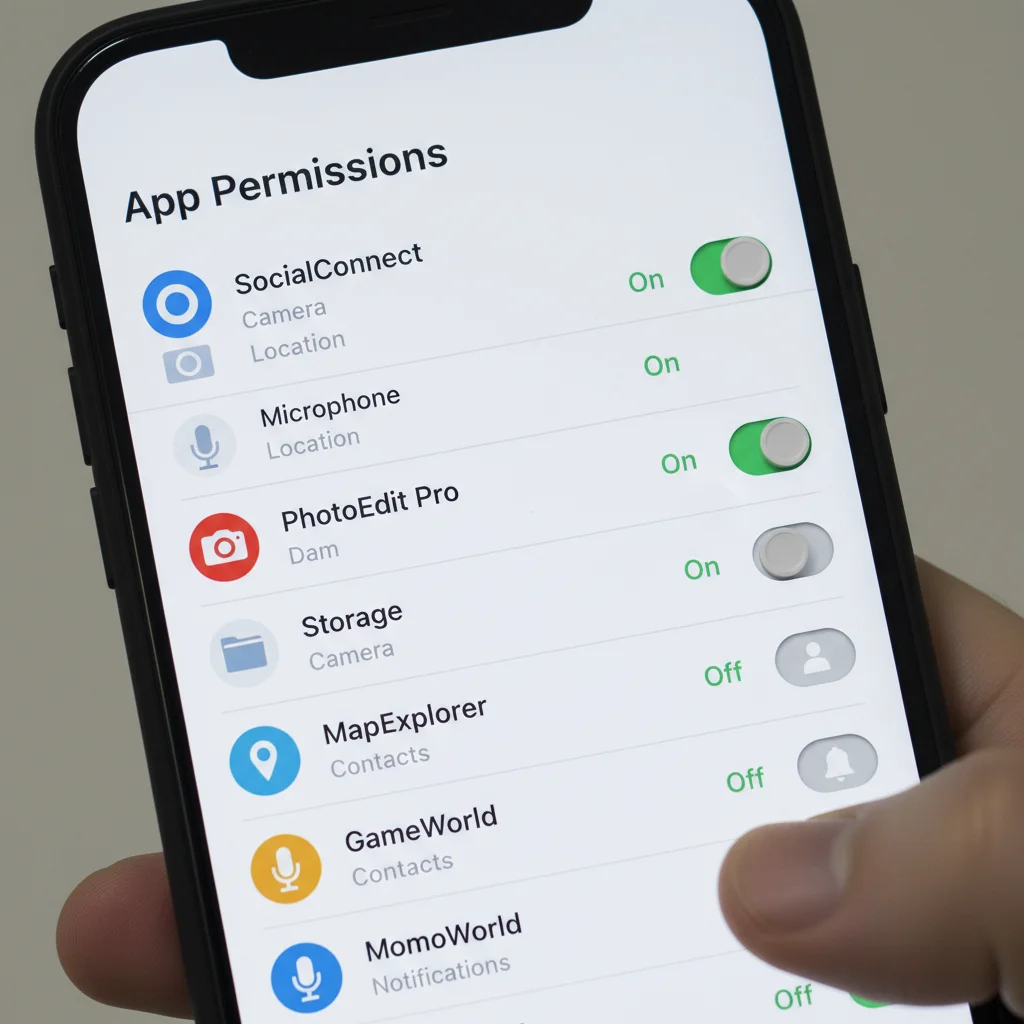
Many apps, when you first install them, ask for broad permissions that might not be strictly necessary for their function. These permissions can include access to your camera, microphone, contacts, photos, and even your precise location. While some access is legitimate, like a camera app needing camera access, others might be excessive. Regularly reviewing these permissions helps you understand what data each app can collect and ensures you’re not inadvertently sharing more than you intend. Taking a few minutes to scrutinize these settings can significantly reduce your digital footprint and protect sensitive information from being accessed without your explicit, informed consent.
It’s crucial to remember that even reputable apps can have vulnerabilities, and limiting their access to your data is a proactive security measure. Consider whether an app truly needs continuous access or if ‘only while using the app’ is sufficient. For instance, a weather app might need your location to give you accurate forecasts, but does it need to track your location constantly in the background? Probably not. Being discerning about these choices empowers you to take charge of your personal data.
Managing Location Services: Where Do You Go?
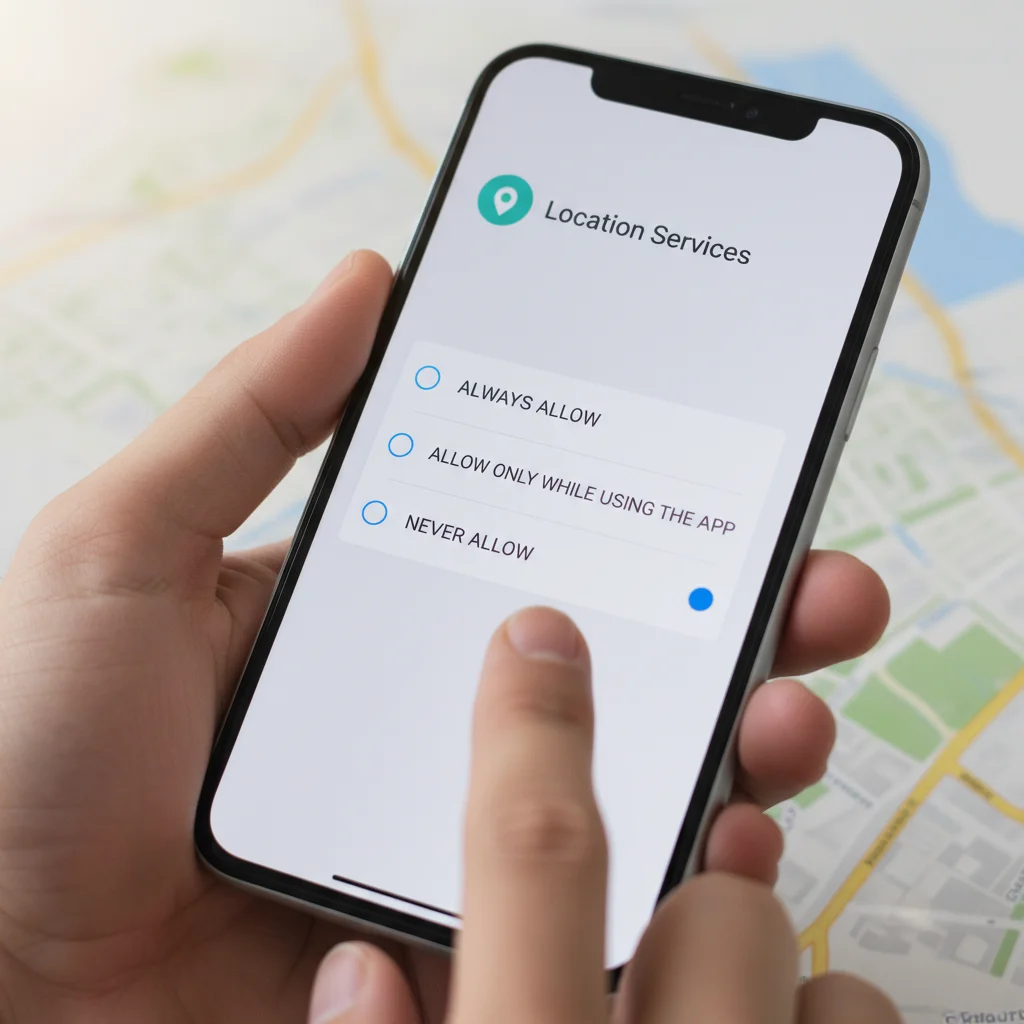
Your smartphone’s location services can be incredibly useful, guiding you to new places or helping you find nearby services. However, this feature also provides a detailed record of your movements, which can be a significant privacy concern if not managed properly. Many apps and even your operating system can track your location in the background, building a comprehensive profile of your daily routines and frequented places. This data, if compromised, could reveal sensitive information about your personal life.
To protect your privacy, you should regularly audit which apps have access to your location data. You can often choose between allowing location access ‘always,’ ‘only while using the app,’ or ‘never.’ Opting for ‘only while using the app’ is generally the most secure choice for applications that don’t require constant tracking. Disabling precise location for apps that only need general area information can also add an extra layer of protection. This careful management of smartphone privacy settings regarding location helps prevent unwanted surveillance and data collection.
Understanding Ad Tracking and Personalization
Have you ever noticed how ads seem to follow you across different websites and apps after you’ve searched for something online? This isn’t a coincidence; it’s the result of ad tracking and personalization features built into your smartphone’s operating system and various applications. Advertisers use unique identifiers associated with your device to build a profile of your interests, habits, and demographics. This profile then dictates the types of ads you see, aiming to make them more relevant to you.
While some might find personalized ads convenient, many view it as an intrusion on their privacy. The good news is that both iOS and Android offer settings to limit or reset these ad tracking identifiers. Disabling personalized ads doesn’t mean you’ll see fewer ads; it just means the ads you do see will be less tailored to your personal data. Regularly checking and adjusting these settings is a simple yet effective way to regain some control over your digital footprint and reduce the amount of personal information shared with advertising networks.
Securing Your Lock Screen Notifications: Keep It Private
Your lock screen is often the first point of interaction with your smartphone, displaying notifications that can contain surprisingly sensitive information. Everything from messages from friends and family to banking alerts or appointment reminders can flash across your screen for anyone to see. If your phone is lost, stolen, or simply left unattended, these notifications can expose private details to unintended viewers. It’s a common oversight, but securing your lock screen notifications is a vital step in protecting your personal privacy.
Notification Display Options
Hide sensitive content: This option allows notifications to appear but conceals the message content until the phone is unlocked. This is a good balance between convenience and privacy.
Show silently: Notifications appear without sound or vibration, and content may or may not be hidden depending on other settings.
Don’t show notifications at all: This provides maximum privacy but means you might miss important alerts unless you unlock your phone.
Per-app customization: Many phones allow you to customize notification settings for individual apps, giving you fine-grained control over what appears on your lock screen.
Adjusting these settings ensures that while you stay informed, your private communications and data remain confidential, even when your phone is locked.
Reviewing Account Sync Settings: What’s in the Cloud?
Modern smartphones are deeply integrated with cloud services, allowing you to sync contacts, photos, documents, and app data across multiple devices. This convenience, however, comes with a responsibility to understand exactly what information is being synced and where it’s being stored. If your cloud account is compromised, all the data synced to it could be at risk. Therefore, reviewing your account sync settings is a critical component of your overall smartphone privacy settings strategy.
Take the time to go through each of your connected accounts, such as Google, Apple, or other third-party services, and examine the sync options. You might find that certain categories of data, like browser history or app data for services you rarely use, are being synced unnecessarily. Disabling syncing for non-essential data reduces your exposure to potential data breaches and ensures that only the information you truly need backed up is stored in the cloud. This proactive approach helps maintain the integrity and confidentiality of your digital life.
Updating Software Regularly: Patching Up Vulnerabilities
One of the simplest yet most effective ways to protect your smartphone privacy and security is to keep your device’s operating system and applications updated. Software updates aren’t just about new features or improved performance; they frequently include critical security patches that address vulnerabilities discovered by developers and security researchers. These vulnerabilities, if left unpatched, can be exploited by malicious actors to gain unauthorized access to your device, steal your data, or even take control of your phone.
Many users delay updates due to inconvenience or fear of changes, but this habit leaves them exposed to known threats. Manufacturers and developers release these updates specifically to protect you. Enabling automatic updates, or at least regularly checking for and installing them promptly, is a fundamental practice for maintaining a secure digital environment. This ensures your device is running the latest protections against emerging threats, reinforcing your overall smartphone security posture and safeguarding your personal information from exploitation.
Frequently Asked Questions
Why is it important to check app permissions?
Checking app permissions helps you control which parts of your phone and data an app can access. This prevents apps from collecting unnecessary or sensitive information, thereby reducing your risk of privacy breaches and data misuse.
Can I really stop ad tracking on my smartphone?
While you can’t entirely eliminate ads, you can significantly limit personalized ad tracking. Adjusting your device’s ad settings will prevent advertisers from building a detailed profile of your interests, making the ads you see less targeted.
What is the most critical privacy setting to check first?
While all settings are important, reviewing app permissions and location services is often considered the most critical initial step. These two areas frequently expose the most personal data to third-party applications.
How often should I review my smartphone privacy settings?
It’s a good practice to review your smartphone privacy settings periodically, perhaps every few months or whenever you install a significant number of new apps. This ensures your settings remain aligned with your privacy preferences.
Does using a VPN protect my smartphone privacy?
Yes, a Virtual Private Network (VPN) can enhance your smartphone privacy by encrypting your internet traffic and masking your IP address. This makes it harder for third parties, including your internet service provider, to track your online activities.
Taking control of your smartphone privacy settings is not just an optional step; it’s a fundamental aspect of digital self-care in today’s interconnected world. By systematically reviewing app permissions, managing location services, understanding ad tracking, securing lock screen notifications, auditing account sync settings, and keeping your software updated, you build a robust defense against potential privacy intrusions. These six essential adjustments empower you to decide who accesses your data and how it’s used, moving you from a passive user to an active guardian of your personal information. Don’t wait for a data breach to prompt action; make these checks a regular part of your digital routine. Investing a small amount of time now can save you significant worry and potential harm later, ensuring your smartphone remains a tool for connection and convenience, not a vulnerability. Your privacy is paramount, and with these steps, you can significantly strengthen your digital defenses.